// trantalk
AI Voice Scam - Awareness
Recently a good friend of mine in tech got a call. It was an AI bot, trying to break into his personal Google accounts.
Being the curious geek, he tried to put it through its paces. However, after about 20 minutes in a full two-way conversation, he still couldn't catch it out. It spoke over him, listened when interrupted and even put him on hold. It also sent legit Google verification emails and popped up a message in his YouTube app in real time when asked to prove its identity.
So he could tell it was a scam in this case, but would your friends, family or staff know? Here is our quick guide on what to watch out for.
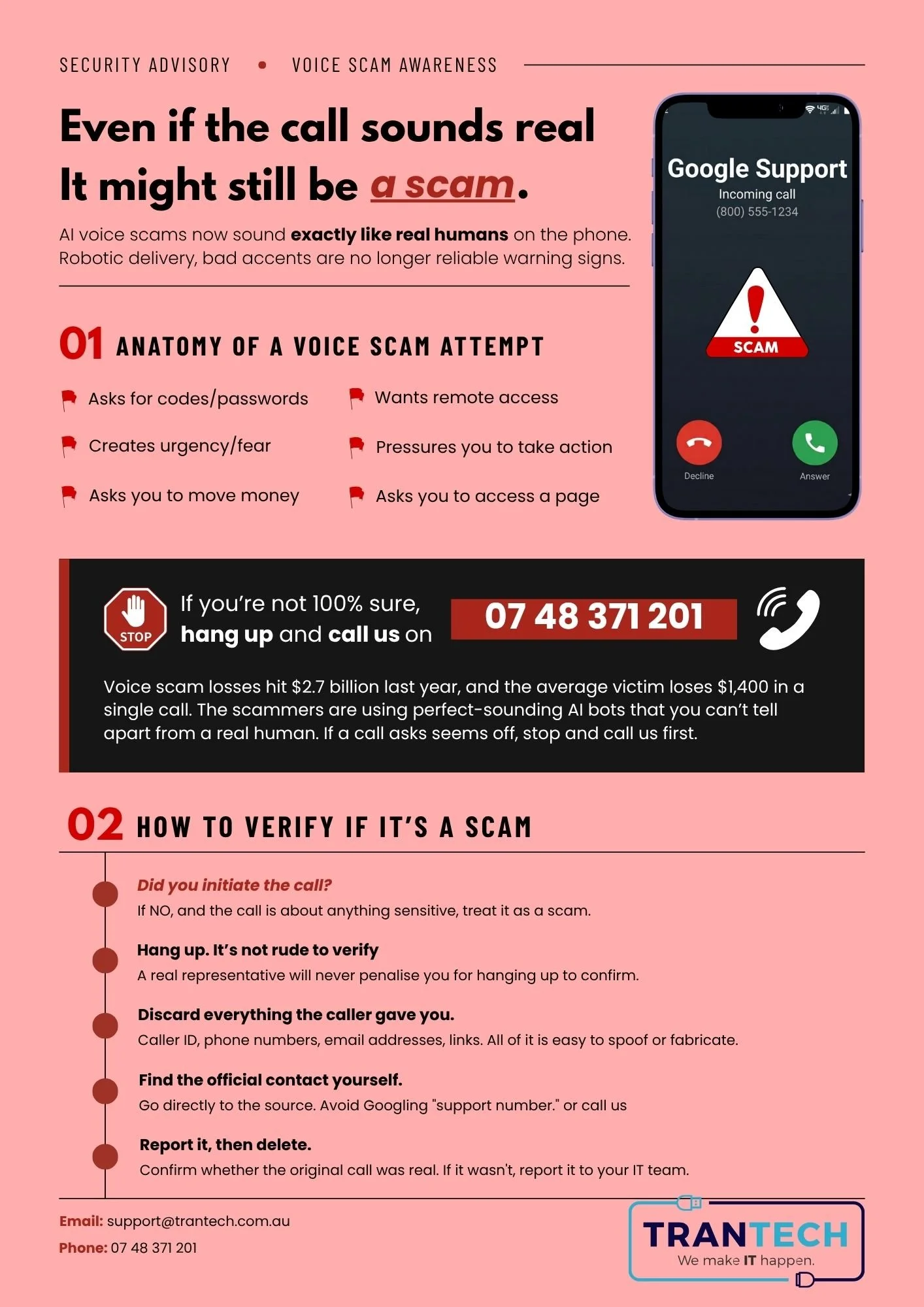
The short version
- Warning signs: asks for codes or passwords, wants remote access, creates urgency or fear, pressures you to act, asks you to move money, or asks you to open a page.
- Did you start the call? If not, and it is about anything sensitive, treat it as a scam.
- Hang up. It is not rude to verify. A real representative will never penalise you for hanging up to confirm.
- Throw away everything the caller gave you. Caller ID, phone numbers, email addresses and links are all easy to fake.
- Find the official contact yourself. Go straight to the source. Avoid Googling a "support number".
- Report it, then delete. Confirm whether the original call was real, and if it was not, report it to your IT team.
If you are not 100% sure, hang up and call us on (07) 4837 1201.
Need a hand with IT?
We make IT happen, in Mackay and beyond.